Category: Banking Tips

  • Workshop: Calendars Pt 1

    Workshop: Calendars Pt 1

    This will be the first in my series of Survival Workshops. They will be short articles about budgeting tools I use daily. Instead of a huge guide I plan to write small tips articles that I can share. Remember, the key to not being overwhelmed by finances is to break it down into small tasks.

    Quick backstory

    I tried scraps of paper, multiple notebooks, an attempt at an advanced Excel sheet. Nothing worked for me to get a grasp on my budget. Until I realized I had a calendar on my phone.

    I use my Google Calendar for many reasons but the most obvious is; I can access it anywhere. On my personal (android) phone, my work (android) phone, and my browser. This means I don’t have to carry around a notebook, it’s always in my pocket.

    How do I use the calendar to help me budget?

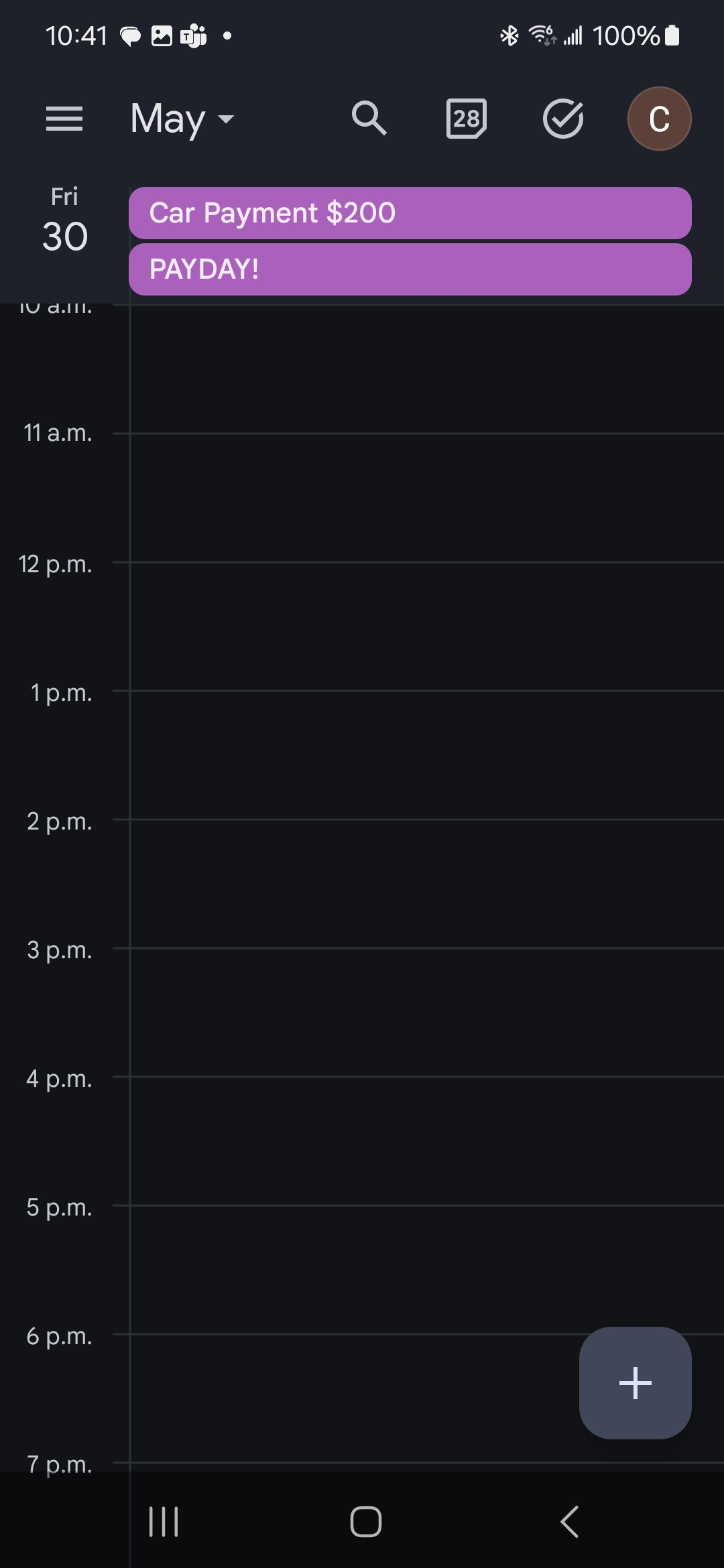
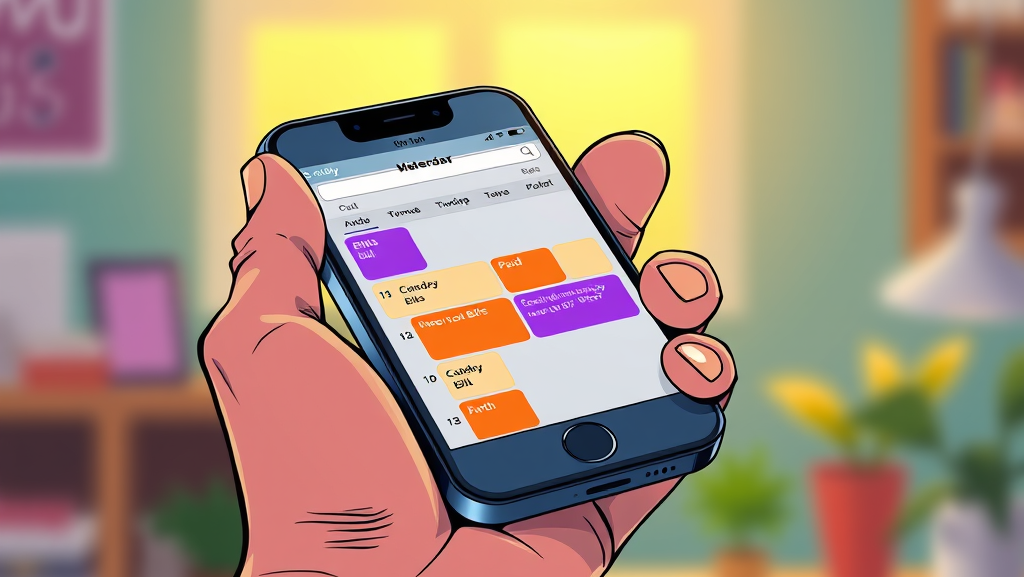
    I sat down and wrote out all the bills I had coming up. The usual suspects: mortgage, power, heat, insurance, car payments, ect. I then entered them in my calendar and set them to repeat every month. Of course some bills are weekly, bi-weekly, ect but that’s easy to adjust. I then selected a colour I would use for all the entries, in this case purple. When I pay a bill I change the calendar entry to orange. Simple, right? Now I can quickly look at my calendar to see what has been paid and what’s coming up. This method requires very little maintenance. All you have to do is regularly check the amount you owe on the respective app and confirm the due date.

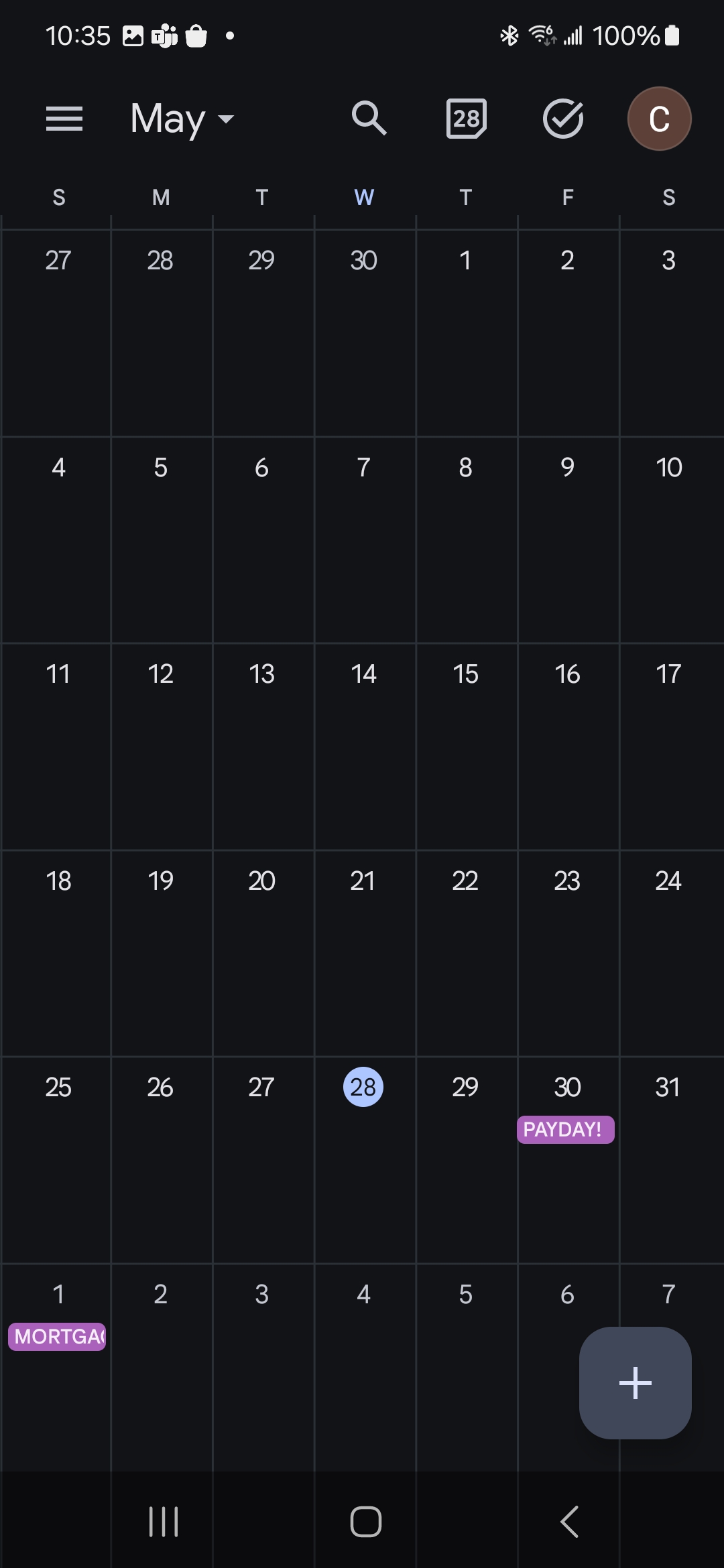
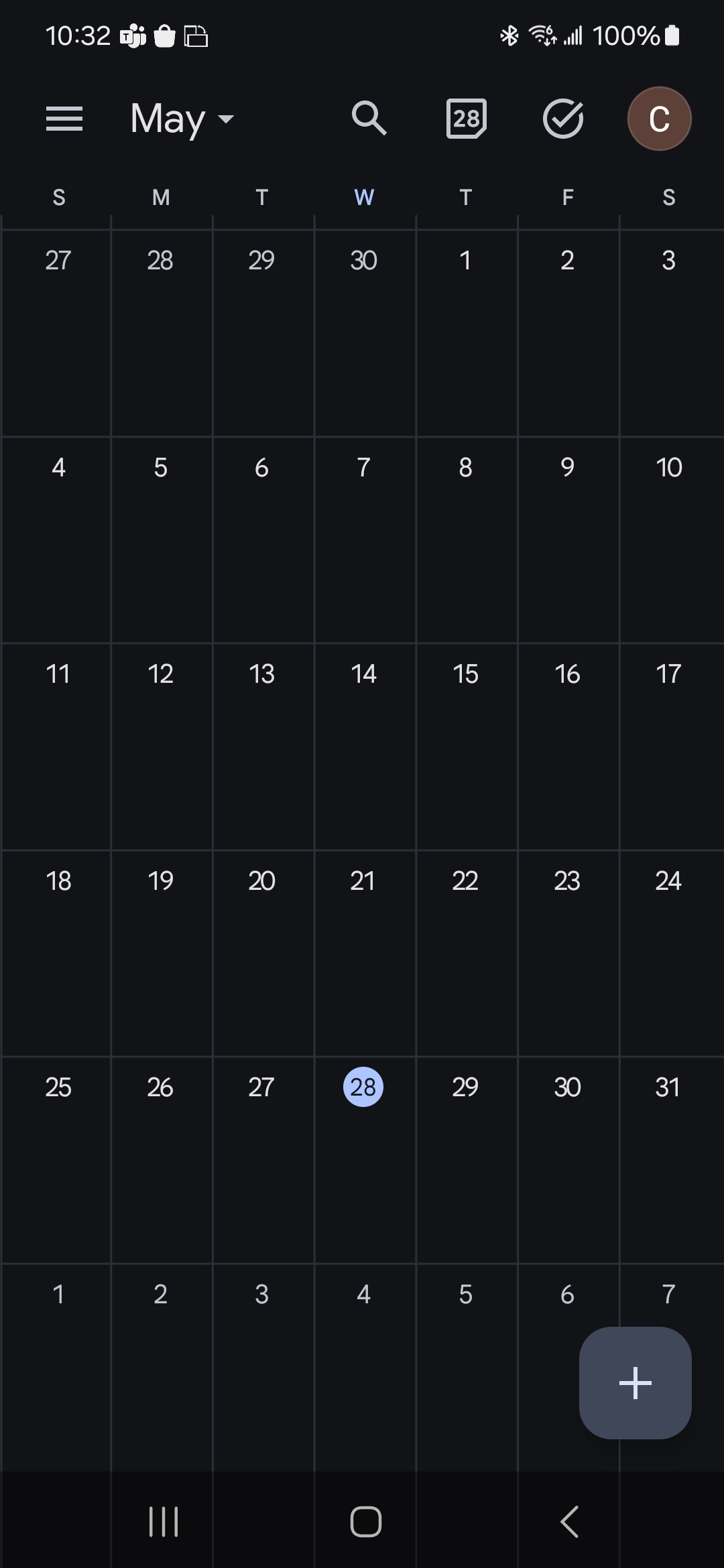
    Visuals always help so let’s start with a blank calendar. I’m managing this all from my phone using Google Calendars:
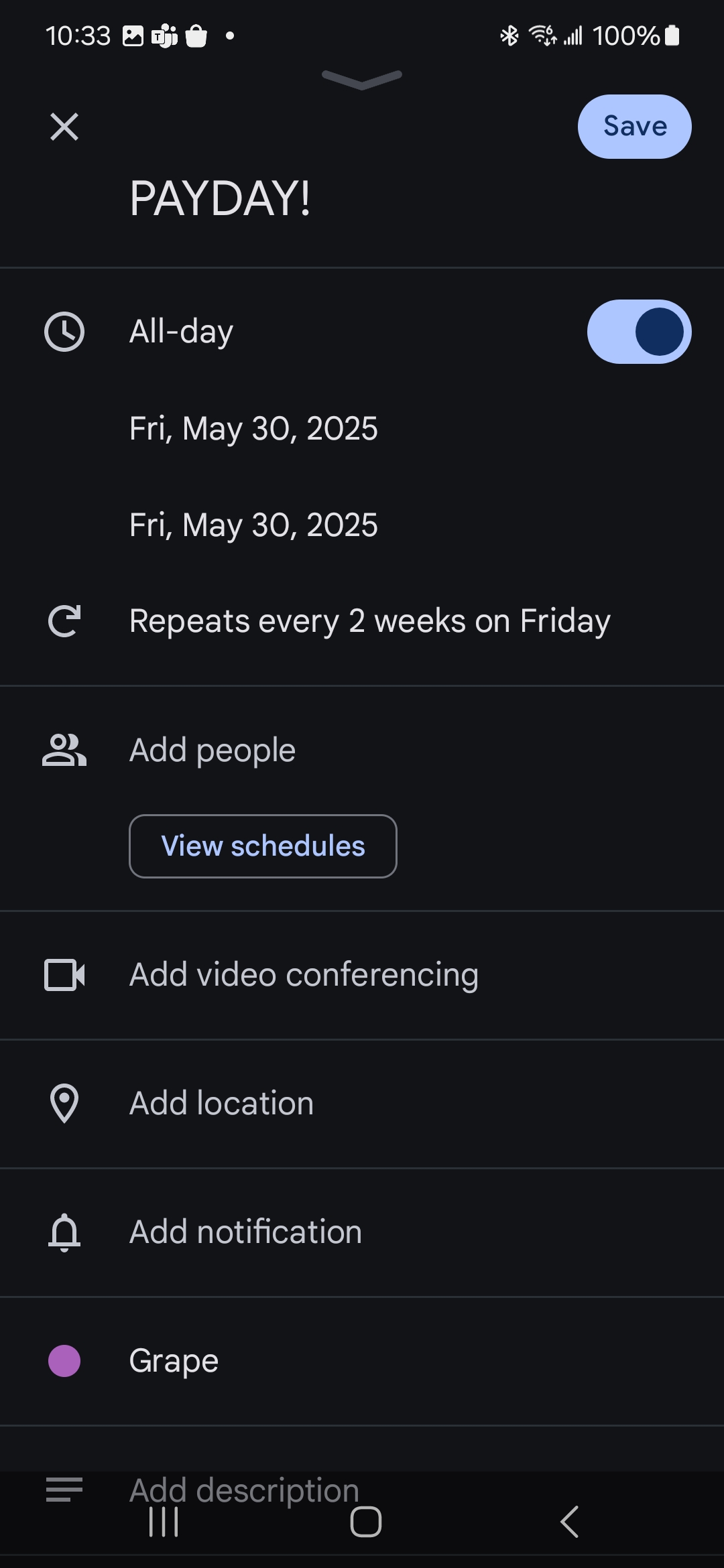
    With the above method in mind, keep adding your bills. Remember to setup the recurring event so they fill up your calendar. At first I only added my utilities, insurance, car payments. As I got better at budgeting I began adding smaller repeating costs like my daughter’s allowance (great reminder). Finally, for those annual bills like Water & Sewer and Property Taxes I began breaking down how much it would be per pay. This makes the cost much less scary and attainable. For example, I’m invoiced aprox $220 every 3-months for W&S so I broke it down into bi-weekly payments of $35. With this method I actually got ahead of the bill over the years and I’m usually an entire 3 months ahead.

    Let’s stop here for today. Next we’ll look at how I update my calendar when bills are paid. Spoiler, we get to pick a new colour.

    As always, thanks for reading.

  • Banking Tips (that work for me)

    Banking Tips (that work for me)

    When I started the process of budgeting one of the first things I looked into was how much I was spending on banking. I was not impressed. Here’s what worked for me:

    I was banking with BMO at the time and although I had no problems with the service I realized I was paying $15.95/month for my account. That translated to $191.40/year and I didn’t like the sound of it. I mean, what was I getting that was worth almost $200 a year? Unlimited transactions, no fee Interac transfers. That’s it. Well that won’t do, $200 a year could go towards any number of things, at the time my property taxes or roadwork bill came to mind. So how do I reduce that fee?

    I’m sure you’ve seen the countless ads for no-fee banking from institutions like Simply Financial, Tangerine, etc. I looked into the PC Financial one as I was invested in the PC Optimum points program and wanted to see if I could maximize my points. Here’s why I use them as my primary banking account now:

    -no monthly or annual fees
    -unlimited transactions
    -points earned at Loblaws locations (Superstore, Shoppers, No Frills)
    -points earned (albeit a little less) at all other stores
    -monthly bonus points for having my payroll deposited directly
    -bonus points for bill payments over $100
    -free Savings account with a great interest rate (currently 3.5%)
    -extra bonuses at Shoppers for using PC card (during certain promos)
    -bonus points for referring others to sign-up for an account

    The only con to the account is you don’t have access to banking machines (ATM). I barely use cash so this didn’t bother me as I have a simple solution for that.

    As you can see there are very few downsides to this. Now it helps that I’m motivated by the points program. If you aren’t interested in maximizing points it’s still a good account but you may see similar benefits with another no-fee institution

    INTERMISSION
    This can be a lot to take in but I hope it’s getting your mind thinking about ways to cut costs. The bonuses are nice but even reducing your annual banking fee is a win. And that’s what it’s all about (for me); winning. If you’re interested in what else I do to further maximize my returns keep reading.

    Wealthsimple
    Another no-fee banking solution WS caught my attention as a place I could purchase stocks by myself. I’d always wanted to get into investing and this seemed like a great start. But that’s not why we’re here right now, it’s all about the bank accounts. WS has chequing accounts and operates similar to PC Financial.

    -no annual fees
    -unlimited transactions
    -higher interest earned (%1.75 at time of writing)
    -%1 cash back on all purchases

    That last one caught my eye. I’ve always wanted a credit card with a cash-back option however most of them require annual income much higher than I earn to make those bonuses feasible. But this account automatically gives you cash back when you make a purchase. Even better, you can have it direct the %1 back into a tax-free savings account. (we can get into what those are in another article, but it’s a good thing)

    How do I use these accounts on a regular basis?
    I kept my Scotiabank account but reduced it to a basic banking account for under $4/month. This gives me access to ATM and my daughter’s joint account. I pay my mortgage from this account (I like to keep it isolated from other banking) and there’s a bank machine across the street from my job in case I need cash.

    Any purchases I make at a Loblaws location (Shopper’s Drug Mart, Superstore) are made using the PC financial card. I pay all my other bills from this account including any pre-authorized payments like insurance. Payroll is deposited here as well making this my main account.

    Outside of Loblaws purchases I use the WS account and “pay myself back” immediately. For example, if we go the Dollarstore I’ll use WS to get the %1 cash back, then transfer that amount from PC to cover it.

    Does all this make sense? Once you get into a routine like this you’ll be saving money on fees, gaining points, and contributing to an investment. Damn, wish I knew all this when I was 20.

    If you’re interested feel free to comment and ask questions. And remember to use my referrals if you feel this helped you.

    As always, thanks for reading.